 Code Heaven
Marketing Campaigns for Booknetic [+Credit Topup SaaS]
Email, SMS and WhatsApp campaigns built from fifteen segments of your own Booknetic data — one builder, one queue, and on the SaaS edition the credit packs that pay for the sending.
 by Alovio
![Marketing Campaigns for Booknetic [+Credit Topup SaaS] — screenshot 1](/_next/image?url=https%3A%2F%2Fhel1.your-objectstorage.com%2Ffaceswap%2Fproducts%2Falovio%2Fmarketing-campaigns-for-booknetic%2Fimages%2F45b8149b-0641-41bf-82c0-37092addcb0b.png&w=3840&q=75)
Description
Turn Your Booking History Into Your Next Marketing Opportunity
Reach the right customers, bring them back, and grow your bookings — all from inside Booknetic.
Your customers are already in Booknetic. Their booking history tells you which services they prefer, how often they visit, and when they last booked.
Why let that valuable information go unused?
Marketing Campaigns for Booknetic transforms your existing booking data into targeted marketing campaigns. Create personalized audiences, send messages through Email, SMS, or WhatsApp, and manage your campaigns without exporting customer lists or switching between marketing platforms.
One powerful marketing solution for Booknetic and Booknetic SaaS.
Turn Existing Customers Into Repeat Bookings
Getting new customers is important. Keeping them coming back is just as valuable.
Every completed appointment represents an opportunity to build a lasting relationship. But reaching out to customers individually takes time, and generic messages don't always reach the people who need them.
With Marketing Campaigns for Booknetic, you can:
Reconnect with inactive customers — Reach people who haven't booked an appointment in months.
Reward your loyal customers — Create special offers for customers who book frequently.
Engage first-time customers — Encourage new customers to schedule their next appointment.
Promote your services — Target customers based on services they've booked.
Reach upcoming customers — Communicate with customers who have appointments scheduled.
Follow up on missed opportunities — Reach customers with recently cancelled or rejected appointments.
Your booking data becomes the foundation of smarter, more relevant marketing.
Everything You Need to Create Targeted Campaigns
1. Smart Customer Segmentation
Reach the right people instead of messaging everyone.
Not every customer needs the same message. Marketing Campaigns includes 15 ready-to-use audience segments built directly from your Booknetic appointment data.
Target customers based on:
Recent booking activity, including the last 7, 30, or 90 days and custom periods.
Upcoming appointments within the next 7 or 30 days.
First-time customers with exactly one appointment.
Repeat customers with three or more appointments.
Previously active customers who haven't booked in 90 or 180 days.
Customers with recently cancelled or rejected appointments.
Refine your audience with additional filters for specific services, locations, and minimum appointment counts.
You can also exclude customers using a suppression list.
The result: More relevant messages, better-targeted promotions, and less unnecessary outreach.
2. Email, SMS & WhatsApp Campaigns
Three powerful communication channels. One campaign builder.
Connect with your customers through their preferred communication channels without managing separate campaign tools.
Email Campaigns
Send promotions, service announcements, seasonal offers, and customer re-engagement messages through your configured Booknetic Email provider.
SMS Campaigns
Reach customers directly on their phones using the Twilio SMS integration already configured in Booknetic.
WhatsApp Campaigns
Connect with customers through WhatsApp using Twilio and approved WhatsApp message templates.
All three channels are managed from the same marketing interface, making it easier to organize your outreach.
Note: Each communication channel requires its corresponding Booknetic workflow provider to be configured. WhatsApp campaigns use approved content templates.
3. Precise Audience Targeting & Recipient Preview
Know exactly who you're reaching before you send.
Avoid sending campaigns to the wrong audience or unexpectedly large customer lists.
Before launching a campaign, you can:
Select your target customer segment.
Filter recipients by service or location.
Set a minimum appointment count.
Exclude suppressed contacts.
Preview the exact recipient count.
Send a test message before the actual campaign.
Every campaign starts with a clear understanding of its intended audience.
No spreadsheets. No manual contact list preparation. No guesswork about your recipient count.
4. Reliable Campaign Sending & Queue Management
Built for campaigns that need control and visibility.
Sending messages to a large customer list shouldn't require keeping your browser open or manually processing every recipient.
Marketing Campaigns uses a batch-based sending queue powered by scheduled background processing.
You can:
Launch campaigns manually.
Process recipients in manageable batches.
Pause an active sending queue.
Resume a paused campaign.
Avoid duplicate submissions when resuming.
Review sending attempts and their recorded results.
Export campaign logs to CSV.
Duplicate existing campaigns to create new ones.
Once a campaign starts, its configuration is protected from changes. Need a similar campaign? Duplicate it and modify the copy.
More control over every campaign, from the first recipient to the last.
5. Smarter Handling of Delivery Uncertainty
Because an unclear provider response shouldn't automatically mean sending twice.
Communication providers don't always return clear responses. A timeout or unexpected connection issue may leave the system unsure whether a message was accepted.
Instead of automatically retrying and risking duplicate messages, Marketing Campaigns marks these attempts as Unknown.
You can then check the provider's delivery history before deciding what to do next.
This helps reduce accidental duplicate submissions and provides greater control over uncertain sending outcomes.
Every sending attempt is recorded, giving you a clearer history of what happened.
6. Marketing Credits for Booknetic SaaS
Give your tenants access to campaigns — and a simple way to purchase sending credits.
Running a Booknetic SaaS platform?
Marketing Campaigns includes a credit management system designed specifically for SaaS operators.
Your tenants can purchase communication credits through configurable top-up plans, allowing you to offer campaign sending as part of your platform's services.
Credit Packs by Channel
Create separate credit packages for Email, SMS, and WhatsApp, so tenants can purchase the sending quota they need.
Flexible Payment Methods
Support credit purchases using:
Account balance
Stripe
Mercado Pago
Credit Reservation Before Sending
Credits are reserved before a message is submitted to its provider, helping keep credit accounting consistent with sending activity.
If a provider response is uncertain, the reserved credit remains held until the outcome is reconciled.
An additional monetization opportunity for your SaaS business.
Provide more value to tenants while building a usage-based revenue stream around marketing communications.
The credit top-up functionality is exclusive to Booknetic SaaS. Campaign creation and sending are available for both regular Booknetic and SaaS installations.
How It Works
From Booking Data to a Marketing Campaign in Four Simple Steps
Step 1 — Choose Your Audience
Select one of the 15 predefined customer segments. Whether you're targeting loyal customers, inactive clients, or upcoming appointments, your audience is built from Booknetic data.
Step 2 — Refine Your Targeting
Apply service, location, and appointment count filters to reach a more specific group of customers. Suppressed contacts are excluded.
Step 3 — Create Your Message
Choose Email, SMS, or WhatsApp, prepare your campaign content, and send a test message to check your setup.
Step 4 — Preview & Launch
Review the recipient count and start your campaign. Monitor progress, pause or resume sending, and examine the logs when needed.
That's it. No manual customer exports or third-party audience management required.
Marketing Campaign Ideas You Can Start With
Not sure how to put your booking data to work? Here are some practical ways to use Marketing Campaigns.
Win Back Inactive Customers
Audience: Customers inactive for 90 days
"It's been a while! We'd love to welcome you back. Book your next appointment and discover what's new."
Reward Loyal Customers
Audience: Customers with 3 or more appointments
"Thank you for being one of our regular customers! We've prepared something special for your next visit."
Encourage Second Appointments
Audience: First-time customers
"Thanks for choosing us! We hope you enjoyed your first visit. We'd love to see you again."
Promote a Specific Service
Audience: Customers filtered by service
"Enjoyed your last treatment? Discover our latest offers and schedule your next appointment."
Reconnect After Cancellations
Audience: Customers with recently cancelled appointments
"Plans change! Whenever you're ready, you can choose a new appointment time."
These are examples of messages you can create, not automatically scheduled campaigns. You choose the audience, content, and when to launch each campaign.
Why Choose Marketing Campaigns for Booknetic?
Built Specifically for Booknetic
No separate CRM or contact list synchronization is required to build audiences from Booknetic appointment data.
Better Customer Targeting
Use actual booking activity instead of sending identical promotions to your entire customer database.
Multiple Communication Channels
Manage Email, Twilio SMS, and Twilio WhatsApp from one interface.
More Control Over Sending
Preview recipients, test your messages, pause and resume queues, and review sending logs.
Made for Both Regular & SaaS
Run campaigns on your own booking website or provide marketing capabilities to tenants on your SaaS platform.
Additional Revenue Opportunities
SaaS owners can create channel-specific credit packages and accept payments for sending quotas.
Frequently Asked Questions
Is Marketing Campaigns compatible with regular Booknetic?
Yes. Campaign creation, audience segmentation, and sending are supported on both regular Booknetic and Booknetic SaaS installations.
The credit top-up system is available only with Booknetic SaaS.
Which communication channels are supported?
The add-on supports Email, Twilio SMS, and Twilio WhatsApp. Each channel requires its corresponding Booknetic workflow provider to be configured correctly.
WhatsApp additionally requires an approved Content Template and a default Twilio Messaging Service SID.
Do I need to export my customer data?
No. Audience segments are generated directly from existing Booknetic booking information, eliminating the need to export and manually organize customer lists.
Can I target only customers of a specific service or location?
Yes. You can narrow your audience using service and location filters, along with a minimum appointment count.
Can I test a campaign before sending it?
Yes. Test sending and recipient count preview are included, allowing you to check your setup before launching the campaign.
Can I pause a campaign after it starts?
Yes. Campaign queues support pause and resume functionality.
However, a campaign that has already started cannot be edited in place. You can duplicate it to create a modified campaign.
Does the add-on guarantee message delivery?
No. Actual delivery depends on the communication provider and recipient availability. Provider acceptance does not guarantee inbox or handset delivery.
The add-on logs sending attempts and avoids automatic resubmission when provider responses are uncertain.
How does the SaaS credit system work?
SaaS administrators can configure top-up packages for different communication channels. Tenants purchase credits using available payment methods, and credits are reserved before message submission.
What are the technical requirements?
The current supported environment is:
WordPress 5.6 or later
PHP 7.4 or later
Booknetic 5.10.1 or later, within the 5.10.x version series
Configured Booknetic workflow providers for the communication channels you intend to use
Older Booknetic 1.3.x installations are not supported.
Your Customers Are Already There. Start Reaching Them Smarter.
You've already done the hard work of attracting customers to your business.
Now make better use of the relationships you've built.
With Marketing Campaigns for Booknetic, you can turn your booking history into actionable customer audiences, create targeted campaigns, and communicate through Email, SMS, and WhatsApp — without leaving your booking platform.
The right audience. The right message. One place to manage it all.
Features
- 🎯 Smart Customer Segmentation – Target the right customers with 15 predefined audience segments based on booking history.
- 📧 Multi-Channel Marketing – Reach customers through Email, SMS, and WhatsApp from one dashboard.
- 🚀 Campaign Management – Create, test, launch, pause, and monitor marketing campaigns with ease.
- 💳 SaaS Credit System – Monetize marketing campaigns by selling Email, SMS, and WhatsApp credits to your tenants.
Changelog
From the blog
Guides and comparisons that go deeper on this add-on and how to use it.
More for Booknetic
![Essentials for Booknetic [+19 Features]](/_next/image?url=https%3A%2F%2Fhel1.your-objectstorage.com%2Ffaceswap%2Fproducts%2Falovio%2Fessentials-for-booknetic-19-features%2Fimages%2F24658e02-29af-4aa5-8a32-61263b5ea809.png&w=3840&q=75)
Essentials for Booknetic [+19 Features]
Nineteen Booknetic features in one add-on — each a module you switch on or off site-wide and gate per plan.
- Nineteen add-ons in one plugin — one install, one update, one licence
- Every feature switches on or off site-wide, and on SaaS is granted per plan
- A hub with health checks, an activity log and a page per feature
![Cuspan Pro for Booknetic [Customer Panel Redesign]](/_next/image?url=https%3A%2F%2Fhel1.your-objectstorage.com%2Ffaceswap%2Fproducts%2Falovio%2Fcuspan-pro-for-booknetic-customer-panel-redesign%2Fimages%2Fe88984df-dc0c-409b-93c3-5da72a9c91f9.png&w=3840&q=75)
Cuspan Pro for Booknetic [Customer Panel Redesign]
Redesigns the Booknetic customer panel into a modern, app-like account portal.
- Pure overlay — zero core edits
- 11 layout, card and account toggles
- Panel Designer: 6 themes
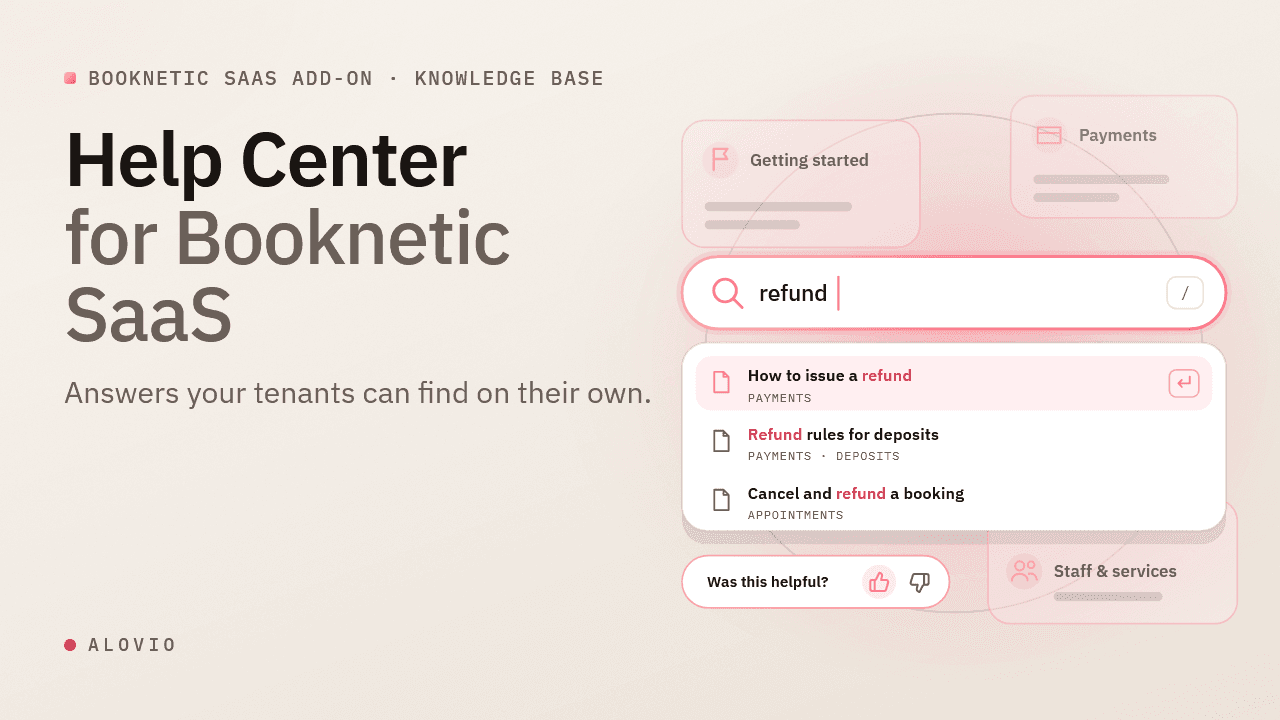
Help Center for Booknetic SaaS
Instead of answering the same questions repeatedly, publish structured documentation inside your Booknetic panel and allow tenants, admins, and staff to self-serve instantly.
- Search-First Help Experience
- Topics & Categories Management
- Topic Engagement & Feedback
Marketing Campaigns for Booknetic [+Credit Topup SaaS]
$19.00 $49.00